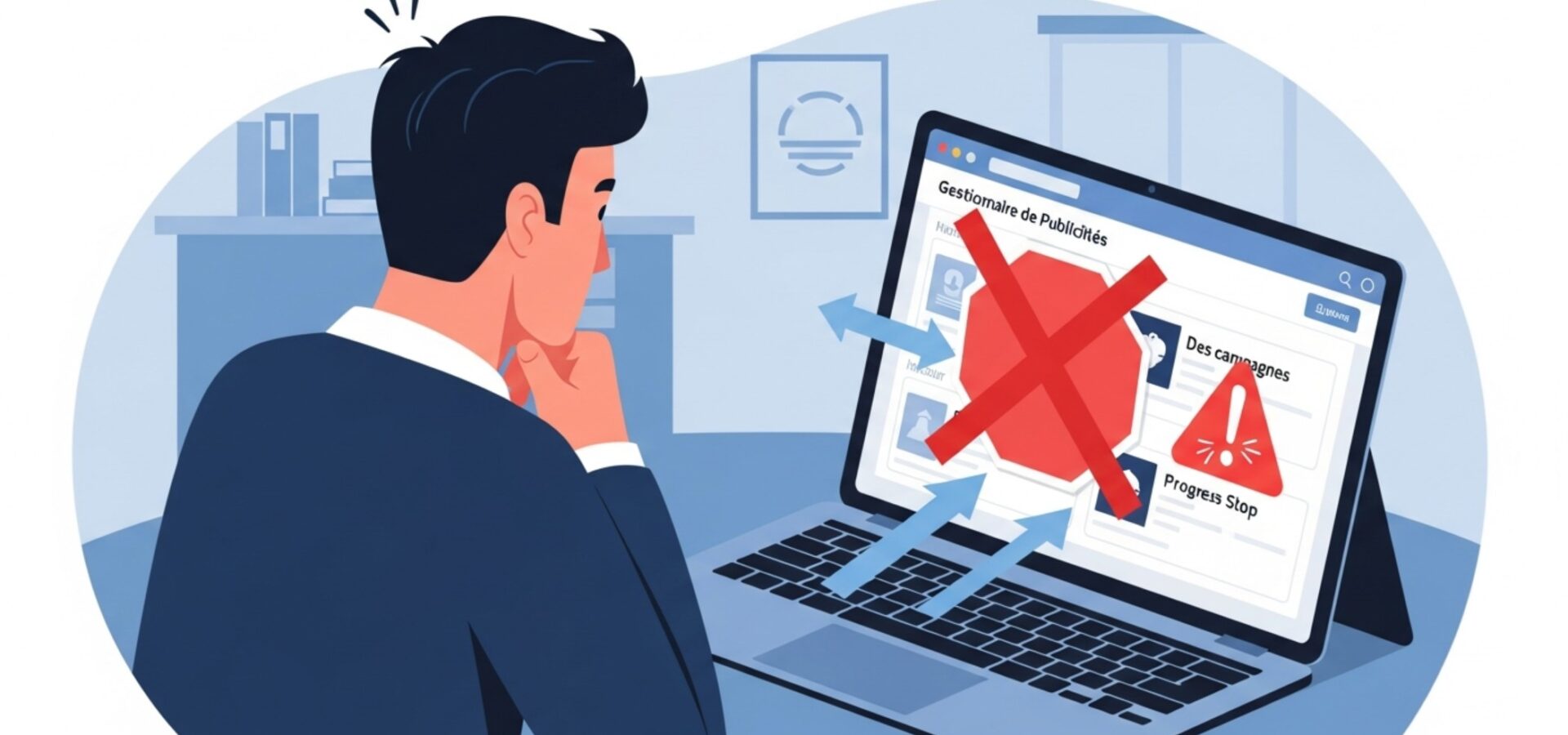
You’ve just edited your Facebook ad campaign, and there it is: rejected, no approval. This frustrating situation hits plenty of advertisers, even the most experienced ones. Don’t worry, it isn’t a dead end — there are concrete ways to get things moving again quickly.
Why does Facebook reject your campaign edits?
When Facebook won’t approve changes to your ad campaign, several things can explain the holdup. Understanding how this works will help you avoid the same traps down the line.
Facebook’s automated system reviews every edit with extra scrutiny. The algorithms comb through the smallest change to your ads, your targeting, or your budget. That heightened watch is meant to protect the user experience, but it can throw up false positives.
Editing too often is one of the main reasons for rejection. If you tweak your campaign several times a day, Facebook can read that as suspicious behavior. The algorithm favors stability and penalizes accounts that keep changing their ad settings.
Your ad content matters just as much. A simple text change can trigger a full new review of your ad. If your new content brushes up against the edges of Facebook’s advertising policies, even by accident, rejection becomes almost automatic.
Finally, don’t rule out technical glitches. Sometimes Facebook’s system runs into temporary hiccups that block approval of edits that were actually fine. These bugs are rare, but they can stall your campaigns for hours.
The immediate steps to get things moving again
When you hit a rejection, your first move should be methodical. Start by checking your campaign’s exact status in Ads Manager. Sometimes the status shown doesn’t match reality, and a simple page refresh is all it takes.
Read the error message Facebook gives you carefully. These notifications can be cryptic, but they often hold useful clues about what’s wrong. Note any error code — you’ll need it if you end up contacting support.
Wait at least 24 hours before you panic. Reviews can take time, especially during busy advertising periods. That patience is hard to muster, but it usually saves you from counterproductive moves.
If waiting doesn’t pay off, try a minor edit to your campaign. Change a comma in your copy, say, or nudge your budget slightly. That small action sometimes kicks a stuck approval process back into motion.
As a last resort, duplicate your campaign with the changes you wanted to make. This trick often gets around holdups tied to your original campaign’s history. Remember to pause the old version once the new one is approved.
How to avoid future edit rejections
Prevention is still your best ally against approval holdups. Take a thoughtful approach to managing your Facebook ad campaigns.
Plan your edits ahead of time instead of acting on impulse. Bundle several changes into a single editing session. This cuts down the number of reviews needed and lowers the odds of an automatic rejection.
Stick closely to Facebook’s advertising policies. Reread the rules regularly, since they change often. Content that was fine yesterday can become a problem today after a policy update.
Test your edits on a low-budget campaign before rolling them out at scale. This lets you spot problem elements without risking a holdup on your main campaigns.
Keep a clean track record on your ad accounts. Avoid repeated violations, even minor ones, since Facebook remembers your past behavior. An account with a good history usually gets more lenient reviews.
Use professional-quality images and copy. Sloppy or low-quality content draws the attention of moderation algorithms. Invest in polished creatives and well-written copy to maximize your odds of approval.
When and how to contact Facebook support
Facebook support becomes your last resort once every other option has failed. But reaching this team takes a strategic approach if you want a useful response.
Gather everything relevant before you reach out. Note error codes, screenshots of rejection messages, and a detailed history of your edits. This documentation makes the support agents’ job much easier.
Write your request clearly and concisely. Explain the situation without excessive emotion, sticking to the facts. Mention the steps you’ve already tried — it shows good faith.
Use the right support channel for your status. Advertisers with larger budgets often get priority support. If you manage several accounts, mention it in your request.
Be patient with response times. Facebook support handles a huge volume of requests every day. A reply can take several days, especially for complex issues that need internal escalation.
Don’t hesitate to follow up politely if you haven’t heard back within a reasonable time. Your request can sometimes get lost in the system, and a courteous nudge puts it back in the queue.
Alternative solutions when nothing else works
When every conventional approach has failed, you’ve still got a few cards left to play to save your ad campaign.
Creating an identical new campaign is often the most effective fix. Meticulously copy every setting from your stuck campaign, building the changes you wanted straight into the new one. This sidesteps problems tied to the edit history.
Consider using a different ad account if you manage more than one. Sometimes the problem is a temporary flag on your main account. Launching the same campaign from a “clean” account can unblock things right away.
Explore other ad platforms in parallel. Google Ads, LinkedIn, or TikTok can temporarily offset the loss of Facebook traffic. Diversifying like this keeps you from depending entirely on one platform.
Use this forced pause to optimize your overall strategy. Review past performance, test new creatives, or refine your targeting. These improvements can turn a temporary problem into an optimization opportunity.
Document your problems and their fixes carefully. This knowledge base will be valuable for handling future holdups more efficiently. Share it with your team too, to avoid repeating the same mistakes.
Frequently asked questions
How long does Facebook take to review campaign edits?
Reviewing campaign edits usually takes between 15 minutes and 24 hours. It depends on how complex the changes are and how busy the moderation teams are. Minor edits like a budget adjustment are often approved within minutes, while ad content changes need a more thorough review.
Can I edit a campaign that's already been rejected?
Yes, you can edit a rejected campaign to fix whatever’s causing the problem. First identify the reason for the rejection in Facebook’s notifications, then make the necessary corrections, and resubmit the campaign for a new review. One caution: too many failed attempts can trigger extra restrictions on your account.
What if Facebook rejects my campaign with no clear explanation?
If you get a rejection with no detailed explanation, start by checking that your content follows all of Facebook’s advertising policies. If you can’t find an obvious issue, contact Facebook support and ask for clarification. Give them all the details of your campaign and request a manual review. In the meantime, you can try creating a new campaign with slightly modified content.
Do budget changes need to be approved too?
Budget changes are usually approved automatically and quickly. But very large increases (more than 50% of the original budget) can trigger an extra review. Facebook checks that your payment method can cover the new spend, and that the increase isn’t hiding an attempt to work around its policies.
How do I know if my ad account is being penalized?
A penalized account shows a few signs: unusually long approval times, frequent rejections with no clear reason, limits on which campaign types you can run, or repeated warning messages. Check the “Account quality” section in your Ads Manager to see your status. If you suspect an unfair penalty, contact Facebook support right away with a detailed history of your campaigns.